
At A Glance
- Learn tips for playing Mini Metro on Android and iOS efficiently.
- Discover mobile-specific features and control optimizations.
- Improve performance and manage your subway network on smaller screens.
Mobile Gameplay Optimization
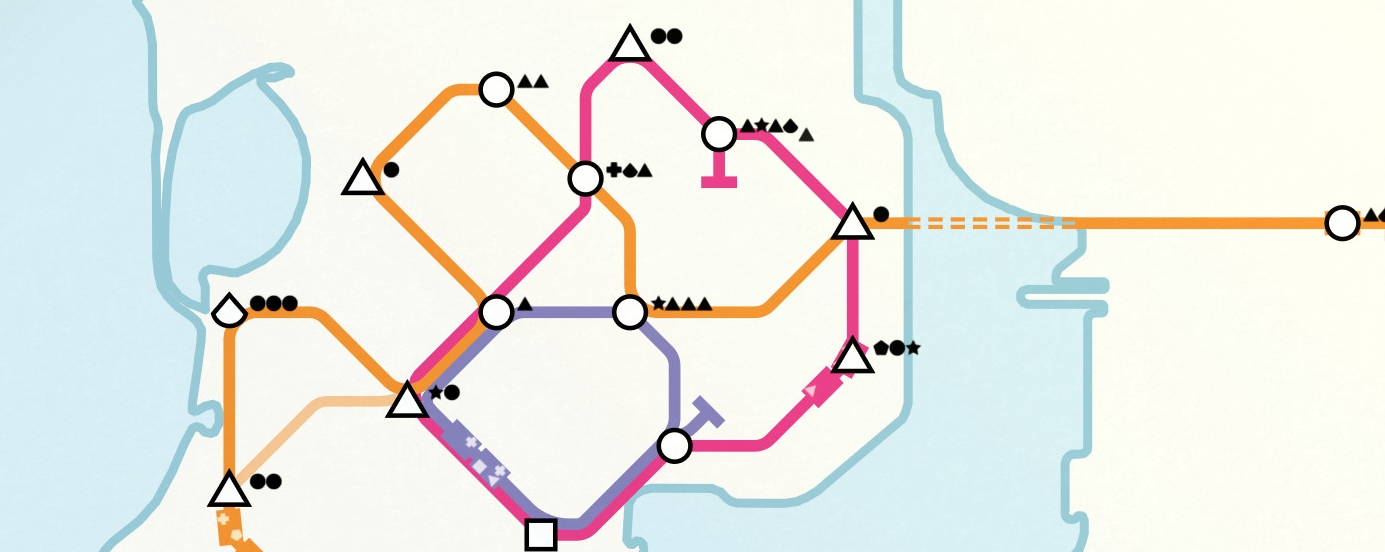
Mini Metro is a puzzle-strategy game that translates well to mobile devices, but mobile players face unique challenges, including screen size limitations and touch-based controls. Optimizing your gameplay for Android or iOS can make a significant difference in how efficiently you manage your subway system.
Touch Controls
Mobile controls rely entirely on touch input. Drawing lines, adding trains, and managing stations must be precise. Practicing line drawing with accuracy reduces the likelihood of misplacing stations or creating inefficient routes.
Pro Tip: Use a stylus or a larger-screen device when possible to improve precision when connecting stations and creating loops.
Screen Size Considerations
Mobile screens are smaller than PCs, so it’s easy to lose track of certain parts of your network. Zooming in and out using pinch gestures helps monitor overcrowding and train flow efficiently. Regularly adjust your view to avoid missing critical congestion points.
Performance Tips
Mobile devices vary in performance. To ensure smooth gameplay:
- Close background apps to free up memory.
- Adjust graphics settings to the lowest acceptable level if available.
- Limit the number of active loops temporarily when lag is noticeable.
Pro Tip: Save frequently, especially on devices prone to sudden app closures, to prevent losing progress.
Upgrades and Mobile Strategy
On mobile, managing upgrades efficiently is key. Use upgrades like additional carriages and locomotives strategically based on where congestion appears. Unlike on larger screens, you may not notice overcrowded stations immediately, so monitoring and reacting quickly is essential.
Managing Passengers
Passenger flow can become chaotic on mobile due to limited visibility. Regularly check which stations have the most waiting passengers and prioritize connecting them with your most efficient lines. Mobile gameplay benefits from simplifying loops to avoid complex designs that are hard to manage on smaller screens.
Using Creative Mode on Mobile
Mobile devices also support Creative Mode, where you can experiment with custom layouts without constraints. Take advantage of this mode to practice loop designs, express lines, and passenger flow strategies. Testing ideas in Creative Mode allows you to implement them confidently in normal games.
Final Thoughts
Optimizing Mini Metro on mobile devices involves mastering touch controls, managing screen space effectively, and prioritizing upgrades strategically. By focusing on precise line creation, monitoring station congestion closely, and using Creative Mode for practice, mobile players can efficiently manage their subway networks. Implement these strategies to improve your gameplay experience and achieve higher scores on both Android and iOS devices.